Changelog

Follow new updates and improvements to f1-cosmos.

๐Ÿš€ Version 1.15.1 - Crash Analysis Dashboard Returns & Weather Forecasts Back (2026-09-30)

โœจ Major New Features

๐Ÿ’ฅ Crash Analysis Dashboard Returns

The crash cost dashboard is open again. Covering all 15 Grands Prix already run in the 2026 season, it shows which drivers and teams have taken on the biggest repair bills.

  • Crash Cost Standings: Compare accumulated damage costs by driver and by team

  • Component Breakdown: Costs by part, from front wings and floors to suspension

  • Round-by-Round Trend: Cost per Grand Prix and the running season total

  • Most Expensive Crashes: Browse the costliest incidents in order

๐ŸŒฆ๏ธ Weather Forecasts Return

Session weather forecasts are being provided again.

  • Per-Session Forecasts: Check the weather for each session's time window

  • New Weather Display: Refreshed weather icons now appear on session cards

๐Ÿ“… Weather on the Calendar

Session weather is now available alongside the race calendar.

  • Schedule and Weather Together: Browse the calendar and check each session's weather at the same time

  • Time-Ordered Forecasts: Forecasts are shown in chronological order for each session


๐Ÿ› ๏ธ Major Improvements

โš™๏ธ Data Collection Back on Track

Some data collection jobs were not running as configured, and have been corrected.


Made with โค๏ธ for F1 fans worldwide

ImprovedFixed

๐Ÿš€ Version 1.14.1 - Trackmap Update & UX Enhancement (2026-09-14)

F1 COSMOS - Changelog

๐Ÿ Version 1.14.1 - Track Map Overhaul & Better Race Data Experience (2026-09-14)

โœจ Major New Features

๐Ÿ—บ๏ธ Track Map Overhaul โญ

The track map has been rebuilt to make circuit information clearer and easier to read.

  • Improved Circuit Design: Track layouts and corner numbers are now easier to follow

  • Latest Sector Status: See sector status based on the driver's latest lap data

  • Mini-Sector Status: View more detailed section-by-section status when mini-sector data is available

  • Driver Comparison: Select two drivers to compare sector performance using team colors

  • Race Information: Start/finish flag, overtake activation and detection points, and straight-mode sections

  • Flag Display: Yellow flags are mapped to marshal sectors, while red flags are shown across the full track

๐ŸŽ๏ธ How to Use the Track Map

  • Select one driver to see their latest sector and mini-sector status

  • Select two drivers to compare sector times and see who is ahead in each sector

  • Select no driver to view the base circuit layout and race information

๐Ÿ New Grand Prix Results Table

A new table brings key session results for each Grand Prix into one view.

  • Session Results: View qualifying pole positions, race results, sprint poles, and sprint winners

  • Round-by-Round View: Follow results in season round order


๐Ÿ› ๏ธ Major Improvements

๐Ÿ“ˆ Clearer Laptime and Chart Comparisons

  • Teammate Distinction: When teammates share the same color, one driver's line is shown as dashed

  • Improved Legends and Tooltips: Solid and dashed line styles are also reflected in chart details

๐Ÿ”ง Live Timing Pit Stop Monitoring

The Live Timing pit stop feature, which was not mentioned in the previous update, is now included in this release.

  • View each driver's pit stop lap, lane time, and stop time

  • See average lane time and average stop time

  • Available in both desktop and mobile Live Timing

โšก Other Optimizations

  • Improved Live Timing widgets and data update flow

  • Stronger compatibility with new and legacy track data formats

  • More stable layouts and rendering across desktop and mobile screens

Made with โค๏ธ for F1 fans worldwide

NewImproved

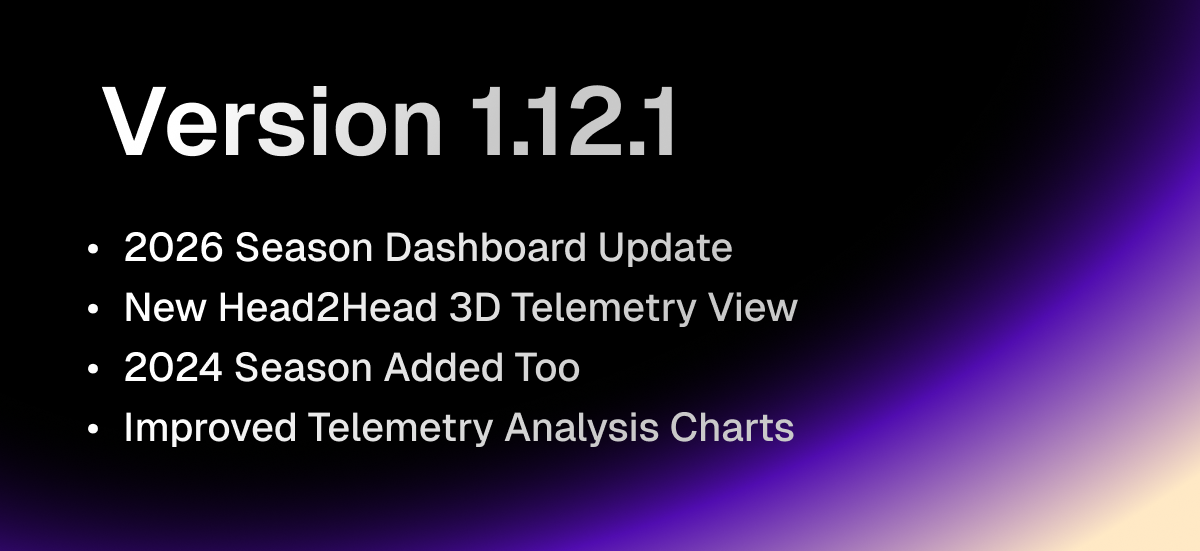
๐Ÿš€ Version 1.8.1 - 2026 Dashboard Update & 3D Telemetry Expansion (2026-03-16)

โœจ Major New Features

๐Ÿ—“๏ธ 2026 Dashboard Update

The dashboard has been updated to support the 2026 season across key views.

  • 2026 Season Added: Key dashboard pages now support 2026 season data

  • 2024 Season Added Too: With 2026 now live, 2024 was added alongside it for wider season comparison

  • Faster Season Comparison: Switch seasons quickly and compare trends without leaving the page

๐Ÿงญ New Head2Head 3D Telemetry View

A new 3D view makes driver-to-driver telemetry comparison much easier to read.

  • 3D Driving Comparison: Compare two drivers in a more immersive way

  • Stronger Head2Head Analysis: See braking, acceleration, and line differences more clearly


๐Ÿ› ๏ธ Major Improvements

๐Ÿ“ˆ Improved Telemetry Analysis Charts

Telemetry charts and the overall analysis flow have been refined.

  • Better Readability: Key sections and pace changes are easier to scan

  • Smoother Comparison Flow: Driver-to-driver differences are easier to follow

  • Stronger Season Sync: Analysis charts now behave more consistently after season changes


Made with โค๏ธ for F1 fans worldwide

NewImproved

Earlier updates